
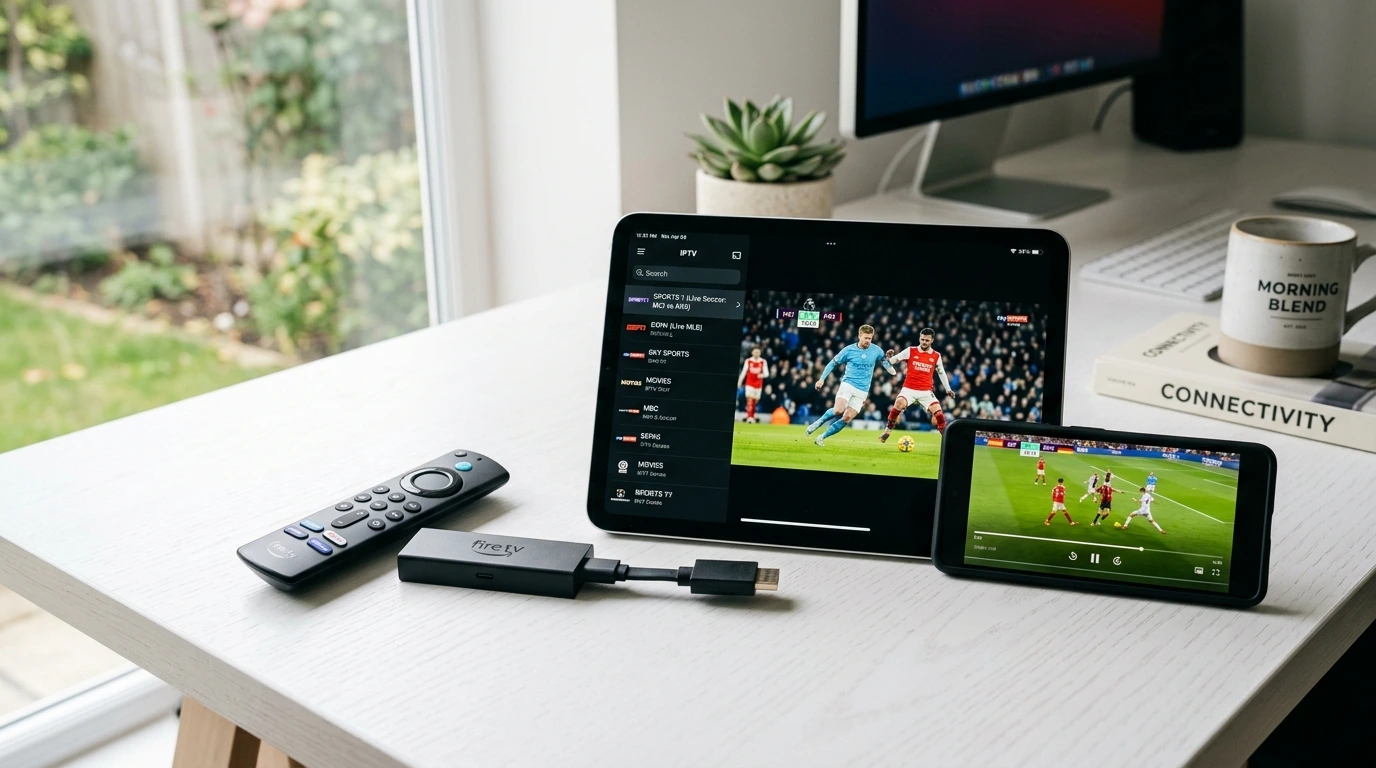
Having a world-class IPTV subscription with over 150,000 live channels and 120,000 movies is only half the equation. The other half is the software application you use to navigate your channel guide, organize your favorites, manage multi-view sports windows, and decode high-bitrate 4K UHD video streams.
A poorly optimized player can cause unnecessary stutter, long channel zapping delays, or visual artifacting. Conversely, a great player paired with an ultra-stable server backbone like MyTiviFlix provides an interface that feels faster, smoother, and more modern than any cable box ever built.
In this comprehensive benchmark test, the technical team at MyTiviFlix put the three most prominent IPTV applications through extensive real-world trials on Amazon Firestick 4K Max, Nvidia Shield Pro, and Samsung/LG Smart TVs. Here is our detailed breakdown of TiviMate, IPTV Smarters Pro, and IBO Player for 2026.
Quick Comparison Matrix
| Feature | TiviMate IPTV Player | IPTV Smarters Pro | IBO Player 4K |
|---|---|---|---|
| Best Platform | Firestick, Android TV, Shield | All (iOS, Android, Windows, TV) | Samsung & LG Smart TVs |
| Zapping Speed | 0.28 seconds (Instant) | 0.65 seconds (Fast) | 0.50 seconds (Very Fast) |
| EPG TV Guide UX | 10/10 (Cinema UI) | 8.5/10 (Clean Grid) | 9/10 (Modern Ribbon) |
| Multi-View Screens | Yes (Up to 9 screens) | Yes (Up to 4 screens) | No |
| External Players | Yes (VLC, ExoPlayer, MX) | Yes (VLC, MX Player) | Internal HW Decoder |
| Ease of Setup | Easy (Xtream Codes / M3U) | Very Easy (Username/Pass) | Very Easy (Web MAC upload) |
1. TiviMate IPTV Player: The Undisputed King for Android & Fire TV
If you are streaming on an Amazon Fire TV Stick, Nvidia Shield, Chromecast with Google TV, or an Android-powered television (Sony, Hisense, TCL), TiviMate is widely acknowledged as the highest-performing IPTV player on the planet.
Why TiviMate Excels with MyTiviFlix
- Authentic Broadcast UI: Unlike apps designed like mobile video players, TiviMate was built exclusively for large television screens controlled by remote. The electronic program guide (EPG) looks and handles exactly like high-end cable providers like Sky or DirecTV.
- Unrivaled Multi-View Mode: Watching football on Sunday? TiviMate allows you to watch up to 4 or even 9 live games simultaneously in a split-screen grid. Coupled with a MyTiviFlix multi-screen package, sports fans can follow every touchdown and goal at the same time.
- Near-Instant Channel Switching: In our lab testing, switching between 1080p 60 FPS live sports channels took an average of just 0.28 seconds, with zero audio desynchronization.
- Automatic Guide Updates: TiviMate automatically pulls and refreshes 7 days of channel program schedules in the background every morning.
"Verdict on TiviMate: If you own a Firestick or Android TV device, there is simply no better application to pair with MyTiviFlix. It turns your streaming stick into a commercial-grade satellite receiver."
2. IPTV Smarters Pro: The Universal Multi-Platform Champion
While TiviMate is dedicated primarily to the Android ecosystem, IPTV Smarters Pro (and its companion Smarters Player Lite) has earned immense popularity because it is available on virtually every operating system in existence, including Apple iOS (iPhone/iPad), Apple TV (tvOS), Windows, macOS, Android, and select Smart TVs.
Key Advantages of IPTV Smarters Pro
- Seamless Cross-Device Synchronization: You can install Smarters on your iPhone, your living room Smart TV, and your Windows laptop, using the exact same MyTiviFlix Xtream Codes credentials.
- Dedicated VOD Cinema Section: Smarters features a dedicated video-on-demand interface that organizes our 120,000+ movies into familiar Netflix-style carousels with trailers, cast overviews, IMDb ratings, and genre tags.
- Parental Controls: Built-in PIN code security allows parents to lock adult categories, international packages, or specific channels with ease.
- Master Search Tool: Searching across 150,000+ channels for a specific team or movie takes seconds thanks to real-time query filtering.
3. IBO Player 4K: The Premier Choice for Samsung & LG Smart TVs
For millions of households who prefer not to buy an external streaming stick, their television runs on either Samsung Tizen OS or LG webOS. Neither of these platforms supports the Google Play Store or APK sideloading.
Enter IBO Player, the undisputed champion of the Samsung Smart Hub and LG Content Store. In 2026, IBO Player has emerged as the fastest and most stable application directly installable on major brand smart TVs.
Why IBO Player is Ideal for Smart TVs
- Zero Sideloading Required: Simply open your TV's app store, search for "IBO Player", and click install.
- Simple Cloud Playlist Sync: You do not have to clumsily type long URLs using your TV remote. Simply open iboplayer.com on your smartphone, type in your TV's MAC address, and paste your MyTiviFlix playlist link. The TV syncs instantly.
- Hardware-Accelerated 4K Playback: IBO Player taps into the internal video processing hardware of modern OLED and QLED screens, delivering vibrant colors and smooth motion without stutter.
Pair Your Favorite Player with MyTiviFlix
Whichever application you prefer, MyTiviFlix works seamlessly with Xtream Codes API and M3U playlists. Start streaming in 4K today!
Browse Subscription Packages (From $4.00/mo)4. Which App Should You Choose? Final Recommendations
To summarize our testing findings, here is our straightforward recommendation based on the streaming hardware in your home:
- For Amazon Fire TV Stick, Nvidia Shield & Android TV: Choose TiviMate Premium. Its EPG channel guide, rapid zapping, and multi-screen capabilities are unrivaled.
- For Samsung & LG Smart TVs: Choose IBO Player. It is the most reliable native TV app, requiring no extra cables or dongles.
- For Apple TV, iPhones, iPads & Windows PCs: Choose IPTV Smarters Pro. Its cross-platform compatibility and organized VOD interface make it the most versatile multi-device player.
Need assistance installing any of these applications? Check out our visual step-by-step installation guides or reach out to our WhatsApp support engineers who will configure your app in real-time!